
By invitation
Held in confidence. Carried with you.
Private banking and wealth services, reimagined for mobile. Access by invitation.
Access is by invitation. If you hold a code, continue in SecureApp. Otherwise, you may submit a registration request.
- Early access
- Invite only
- Registration on request

Access by invitation. A registration request may be submitted here, and is reviewed by the team.
01 — Services
What the house offers
Eskwell is a young bank with solid roots and a Senior Experienced Team — a private wealth and mobile banking brand. Mobile banking is available in SecureApp, by invitation.

-
01
Wealth management
A long view of private wealth — how it is looked after, and with whom — discussed in confidence. Available by invitation, through your relationship manager.
-
02
Private banking
The everyday side of a private relationship, shaped to feel personal rather than transactional. Available by invitation, through your relationship manager.
-
03
Mobile banking
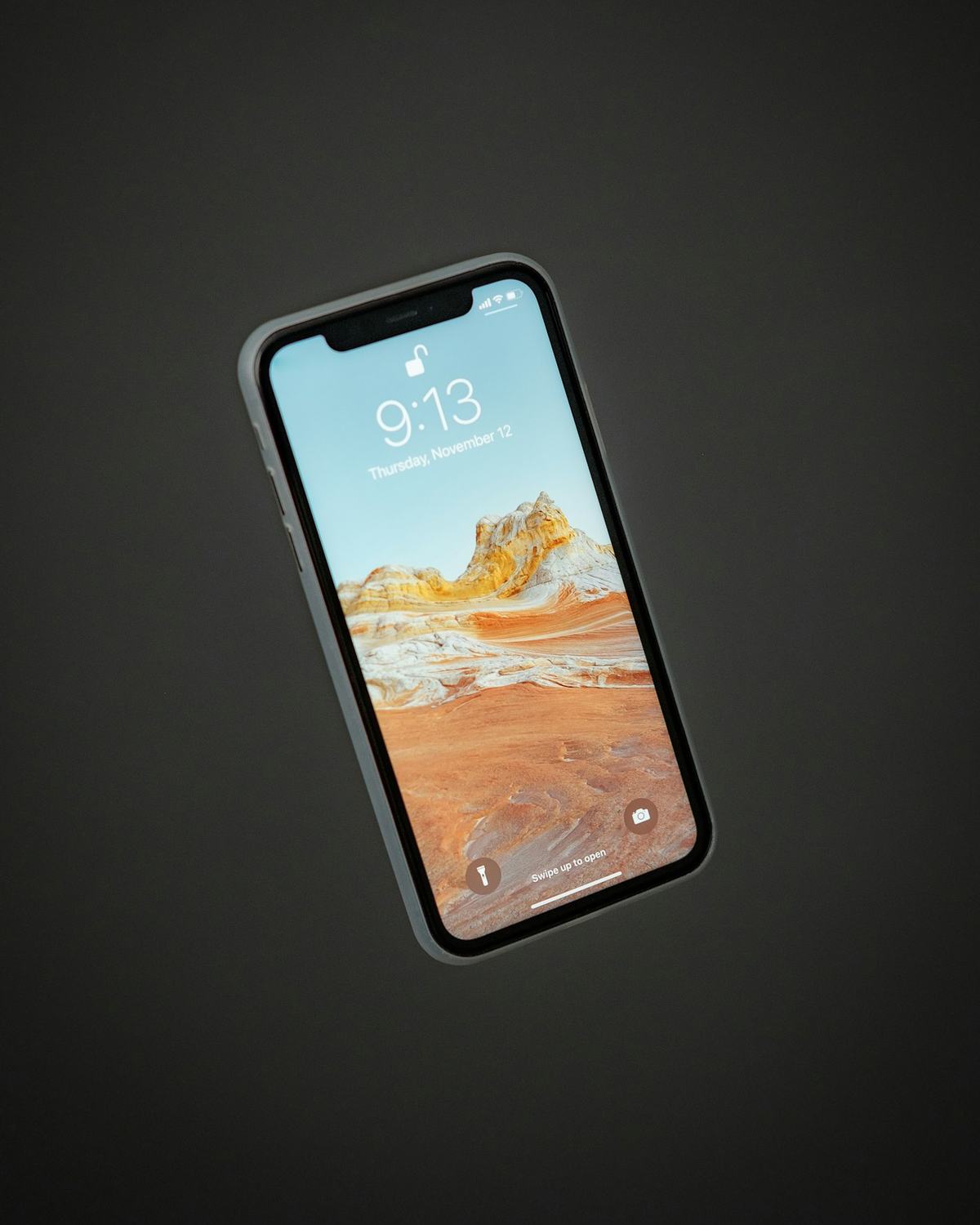
SecureApp: spare, quiet, and made for a phone rather than a branch lobby. When a relationship exists, it should travel. Access is by invitation.
-
04
Concierge
Introductions, scheduling, and the requests that do not belong on a menu. One address. A person reads what you send.
02 — By invitation
The door opens with a code.
Access to Eskwell is by invitation. Prospective clients may submit a registration request on this page; the team reviews each one.
Each invitation carries a private code. If you hold one, open SecureApp and enter it there. If you do not, you may submit a registration request, or someone who already has a code may introduce you.
If you already hold a code, enter it in SecureApp. If you do not, you may submit a registration request here for the team to review.
SecureApp03 — Contact
Correspondence
For introductions, an invitation code, or press. To request registration, use the form on this page.
info@eskwellbankandtrust.com- Your name
- Who introduced you, if someone did
- The invitation code, if you hold one